Photo to video · Seedance 2.0
AI Halloween Video Generator
Upload a portrait, pick a Halloween night, and get a short video of you riding through a street of glowing jack-o’-lanterns on an invisible motorcycle. No editing timeline, no prompt engineering, no watermark.
Updated 2026-10-20 · Crazy Frog AI Video
Quick answer
This tool turns one or two portrait photos into a 5–15 second Halloween video with Seedance 2.0 through kie.ai. The default clip is 9:16, 480p and 12 seconds, and costs 15 credits.
The photo anchors the face; the prompt supplies the scene, the camera and the action. A front-facing, well-lit portrait gives the most consistent result.
Renders are delivered as an MP4 you can download or email. Failed renders are refunded automatically, and every clip is watermark-free for commercial use.
Only upload photos of yourself or people who agreed to appear. No celebrities or minors.
Keep the invisible-motorcycle idea in the prompt. Describe the rider, the road and the chase.
480p · 12s costs 15 credits. 720p · 12s costs 30 credits. 1080p · 12s costs 60 credits. Longer clips scale and round up.
This clip: 15 credits · 13 clips/month on Pro ($39.90) or 160/year ($319).
What it looks like

What the Halloween video actually shows
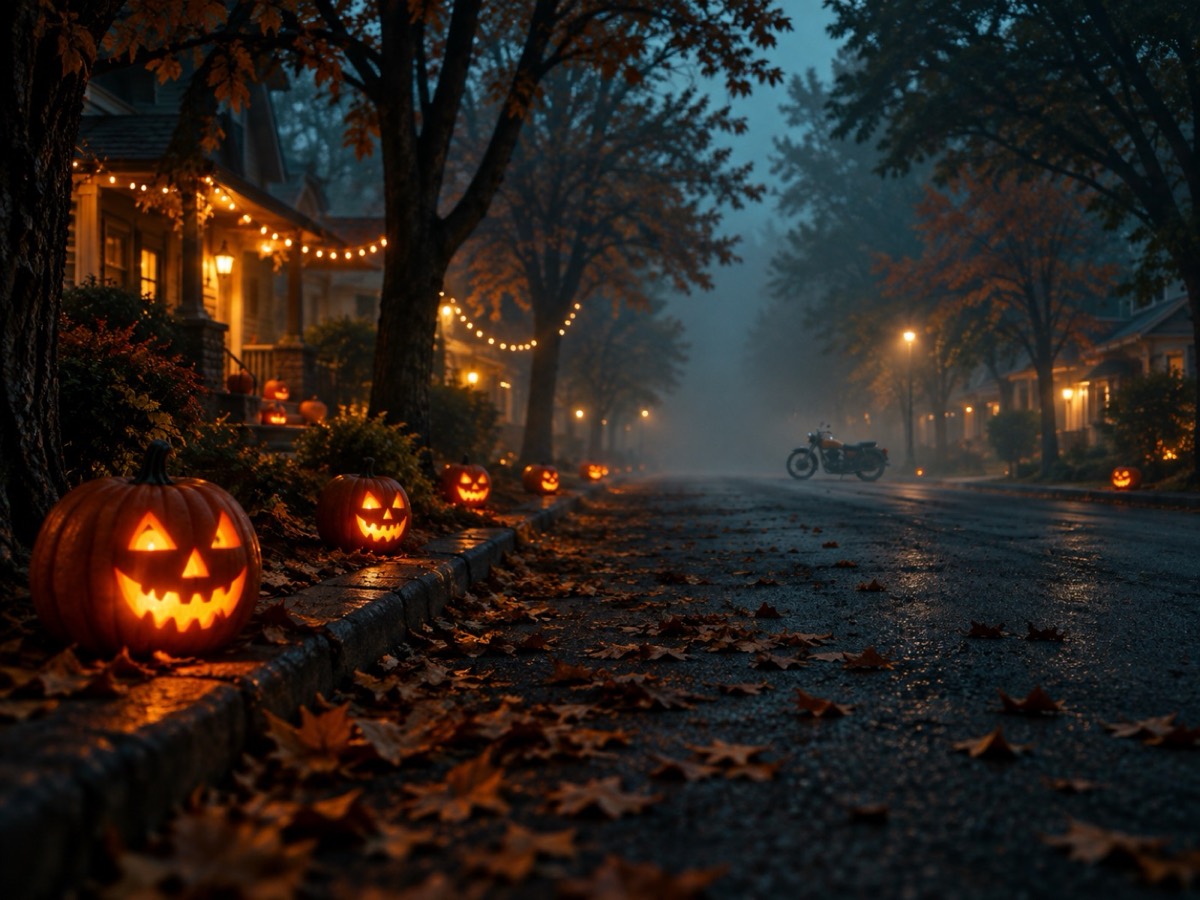
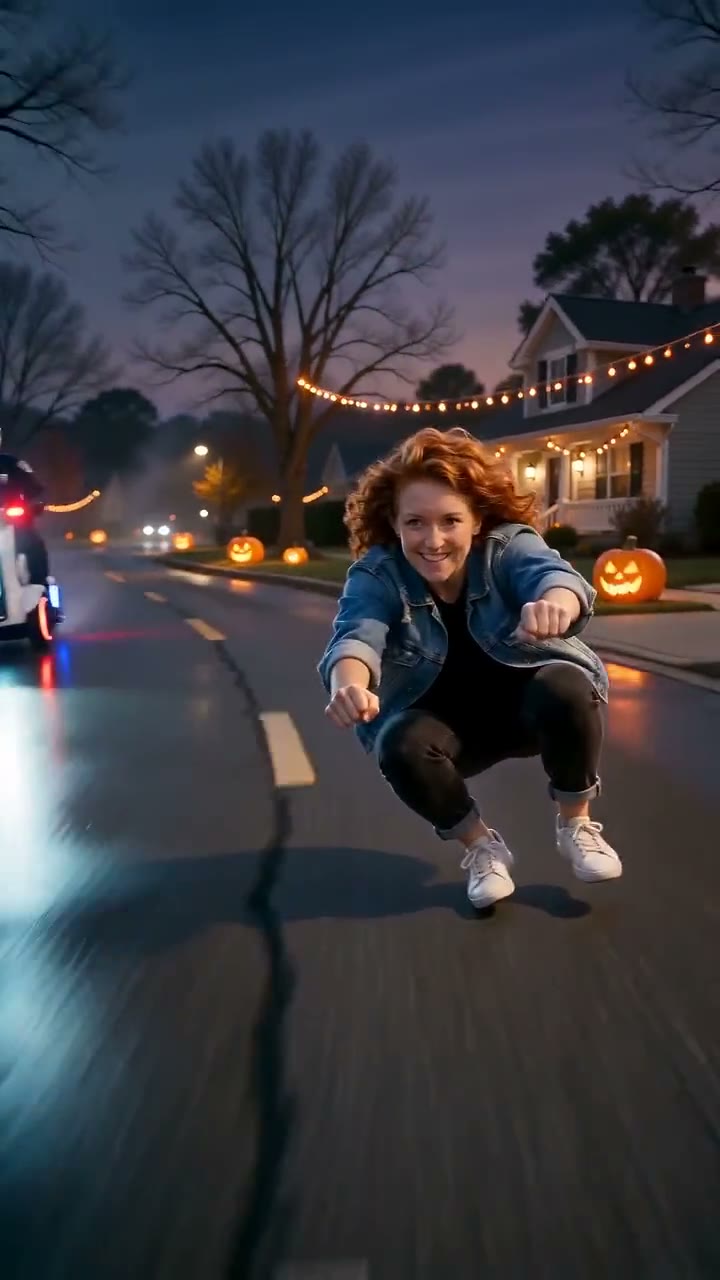
The clip is built around the Crazy Frog invisible-motorcycle joke: a real-looking person crouches low with their fists out on handlebars that are not there, races down a suburban street, glances back at a police hover-bike, flips mid-air and lands back in the riding pose. The Halloween version swaps daylight for porch lights, carved pumpkins and a cold blue dusk.
Because the whole frame is generated, the head turn, the hair movement and the light on the face are part of the same shot. That is why it reads as one continuous clip rather than a still face pasted onto moving footage.
- One portrait is enough; a second portrait puts a friend on the chasing hover-bike.
- The action, framing and timing are pre-written, so the prompt box is optional.
- You can choose 9:16 for TikTok and Reels, 16:9 for YouTube, or 1:1 for feed posts.
Why a dedicated Halloween model beats a general video tool
A general text-to-video model can make a foggy street. What it usually cannot do is keep your face consistent while the camera tracks a moving rider, or avoid drawing a real motorcycle under someone who is supposed to be riding an invisible one. Those two failures are what make most DIY attempts look wrong.
This studio sends your photo as a reference image and uses a prompt written for the specific gag: no visible motorcycle, a hover-bike cop behind, a mid-air flip, a low tracking camera. The scene is constrained, so the model spends its capacity on likeness and motion instead of guessing what the video is about.
What it costs, and what you get
A standard 480p, 12-second clip costs 15 credits. A one-time pack with 15 credits is $9.90, so the first clip is less than ten dollars. 720p costs 30 credits and 1080p costs 60 credits for the same length; longer clips scale linearly.
There are no free credits. A failed render — moderation rejection, provider timeout, or an unusable output — flips the task to failed and returns the credits automatically. You can download the MP4 directly, or send a private seven-day link to any email address.
Getting a good result on the first try
The photo matters more than the prompt. Use a front-facing portrait with even light, no sunglasses and the whole face visible. A tiny face in a group photo, a hat pulled over the eyes, or a heavy beauty filter all remove the information the model needs, and it fills the gap by inventing a face.
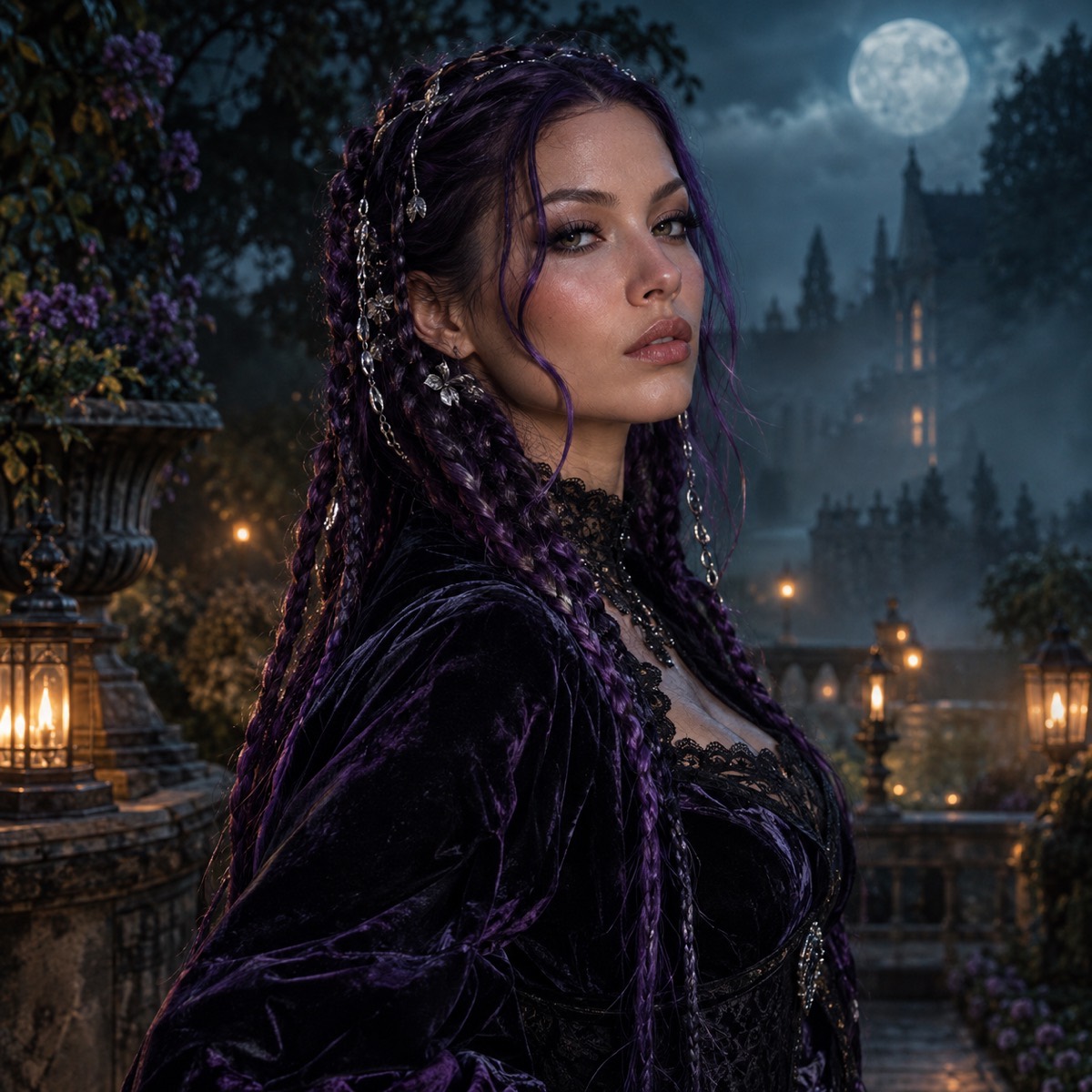
If you want a specific look, add one sentence to the prompt — for example, “purple braids and a black velvet jacket” — and leave the rest of the recipe alone. Rewriting the camera and action lines usually makes the clip less reliable, not more.
How it works
- 1
Add a portrait
Front-facing and well lit. One photo is enough; a second adds a friend to the chase.
- 2
Pick the Halloween style
The prompt, frame and timing are already set. Change a costume detail if you want.
- 3
Generate and download
The MP4 arrives in about a minute. Download it or email yourself the private link.
Questions
Is the AI Halloween video generator free?
No. A standard 480p, 12-second clip costs 15 credits, and the smallest one-time pack is $9.90 for 15 credits. There is no free credit grant; failed renders are refunded automatically.
Do I need a photo to make a Halloween video?
A photo is recommended because it anchors the face. Without one you can still generate from a text prompt, but the person in the clip will be invented rather than you.
How long does a render take?
Most 12-second clips finish in about one to three minutes. The page polls the provider and shows the result as soon as it is ready; you can leave the tab and come back.
Can I post the video commercially?
Yes. Every clip is watermark-free and the licence allows commercial use. The original “Axel F” recording is not included, so add a licensed sound inside TikTok, Reels or YouTube.
What happens if the render fails?
The task is marked failed and the credits are returned to your balance. Common causes are a photo that fails moderation, a prompt that is too short, or a provider timeout.
Which model makes the video?
Seedance 2.0 (bytedance/seedance-2) through kie.ai, with SeeAPI moderation before the render starts.
Your face belongs in the clip
Upload a portrait, pick a scene, and download the MP4. No watermark, commercial use, failed renders refunded.
Make my video