AI Video Generator Black Friday 2026: Ads Without a Crew
How to plan, generate and publish a Black Friday video ad in 2026 — the three ad shapes, the prompts, the honest pricing and the dates that matter in one day.
 Crazy Frog AI Video Team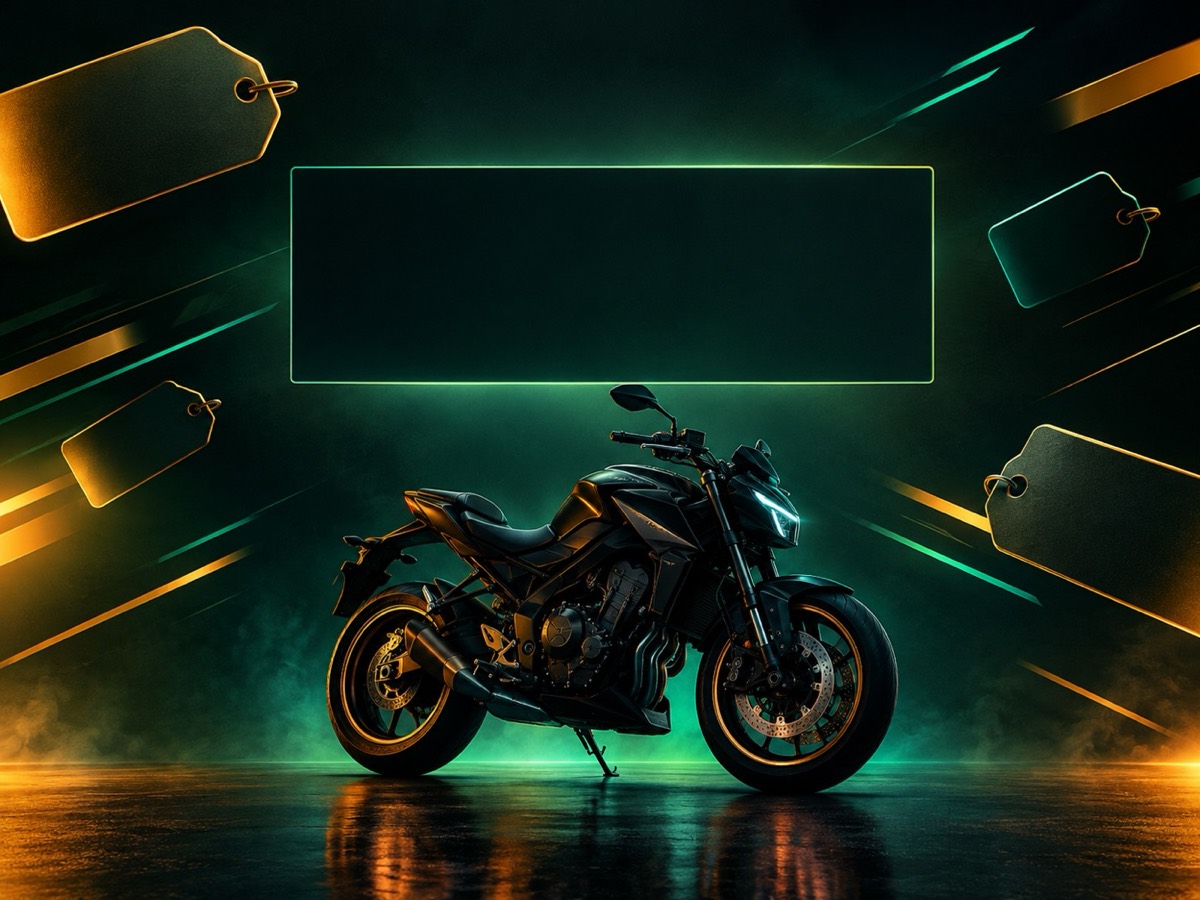
Try it on this page
Only upload photos of yourself or people who agreed to appear. No celebrities or minors.
Keep the invisible-motorcycle idea in the prompt. Describe the rider, the road and the chase.
480p · 12s costs 15 credits. 720p · 12s costs 30 credits. 1080p · 12s costs 60 credits. Longer clips scale and round up.
This clip: 15 credits · 13 clips/month on Pro ($39.90) or 160/year ($319).
Black Friday 2026 falls on 27 November. Cyber Monday is 30 November. If you run a small shop, a service or an affiliate offer, the expensive part of the season is not the discount — it is the creative. A videographer, a studio and a day of editing cost more than most small businesses make in the whole weekend.
An AI video generator changes that math. It will not replace a brand campaign, but it can produce the three ads most small shops actually need: a product teaser, an offer card and a founder clip. This guide is the production plan we would use, including the dates, the prompts and the parts most “Black Friday AI” pages skip.
The three ads that are worth making
The product teaser. One object, one light move, five seconds. No people, no voice, no text. It works as a story ad, a product-page hero and a retargeting creative. Generate it from a text prompt and add the price in your editor.
The offer card. A clean background with negative space, a slow push-in and one product or silhouette. The whole point is the empty area where you put the headline and the price. If the model fills the frame with detail, regenerate with “generous negative space” and “clean empty rectangle in the centre”.
The founder clip. A portrait, a direct sentence, a product cutaway. This is the one that builds trust, and it is the one most AI ads skip. Upload a front-facing portrait, describe a plain studio or shop background, and keep the motion small: a slight head turn, a blink, a slow push-in. Add the voice separately.
Three ads is enough. A fourth usually duplicates one of the three with a different colour.
The calendar
Now to 10 November: build the assets. Generate the teaser and the offer card. Pick the founder portrait. Write the copy. Publish the landing page and the ads page so they can be crawled before the rush.
11–20 November: test organically. Post the teaser on TikTok, Reels and Shorts. Run the founder clip on your own feed. Watch which hook holds attention. Do not spend on ads yet; you are testing the creative, not the offer.
21–26 November: warm the list. Email your existing customers with the real dates and the real offer. Publish the same information on the page. If you are running a paid campaign, start the retargeting now.
27–30 November: run the offer. Reply to comments, update the page if the stock or the deadline changes, and keep the same creative. Changing the ad mid-weekend resets the learning.
1 December: close honestly. Mark the offer as ended. Keep the page live. Update it next year instead of creating a new URL.
The prompt for a product teaser
A premium vertical product ad for a Black Friday sale. Start on a dark charcoal studio floor with a single product silhouette lit by a lime-green rim light. The camera pushes in slowly as abstract price tags and speed lines drift past in the background. A hand enters from the right, lifts the product into the light, and the camera settles on a clean centered composition with generous negative space for a headline. Cinematic commercial lighting, realistic materials, no text, no logos, no watermarks.
Two details make this reliable. First, the action is small: a slow push-in and one hand. Second, the prompt asks for negative space, which is where the headline goes. Do not ask the model to write the price; generated lettering is unreliable and often misspelled.
The prompt for an offer card
Create a premium Black Friday sale poster for a small online store. Deep charcoal background with a subtle green glow, one bold product silhouette in the lower third, floating geometric price tags and abstract speed lines. Leave a clean empty rectangle in the centre for a headline. Use a limited palette of charcoal, lime green and warm white, crisp shapes, realistic studio lighting and generous negative space. No words, no letters, no logos, no watermarks.
Use 16:9 for a website banner, 9:16 for a story, 1:1 for a feed post. Generate the same composition in two frames rather than cropping one; the model recomposes better than a crop does.
The honest pricing problem
A lot of “Black Friday” pages invent a discount. A countdown resets when you reload. A “50% off” price was never the real price. A deal that cannot be checked at checkout. This is not just annoying; in many markets it is illegal, and on every platform it destroys trust at the exact moment someone is deciding whether to pay.
This page does not do that. As of 20 October 2026, the price is $9.90 for a 15-credit one-time pack. A standard 480p 12-second clip costs 15 credits. 720p is 30 and 1080p is 60. Monthly plans start at $9.90 for 20 credits; the 100-credit pack is $39.90. If a Black Friday promotion runs, it will be posted on the Black Friday page with a start date, an end date and the exact pack it applies to.
That honesty is also a conversion strategy. A page that says “here is the real price, here is what one clip costs, here is what happens if it fails” converts better than a page that shouts 70% OFF and then adds fees. People can tell.
What to put on the landing page
The page needs five answers above the fold:
- What is the product?
- What does it cost right now?
- What do I get for that price?
- When does the offer start and end?
- What happens if it does not work?
If a sale is live, show the real price and the real deadline. If it is not live, say so and show the normal price. A page that is honest on 20 October is still indexed on 27 November.
Measuring the weekend
You need four numbers, not forty: sessions, add-to-cart or checkout starts, paid orders, and refunds. If sessions are high and checkout starts are low, the page or the offer is wrong. If checkout starts are high and paid orders are low, the payment step is wrong. If paid orders are high and refunds are high, the product or the promise is wrong.
Do not judge a creative on one day. The first 24 hours of a seasonal campaign are noisy. Give it 48 hours before you change the hook.
What not to do
Do not generate a celebrity endorsement. Do not put a fake countdown on the page. Do not use a competitor’s logo or a film character as if it were licensed. Do not run the same ad for two weeks without changing the hook. Do not delete the page on 1 December; update it next year.
A realistic budget
If you need one teaser and one offer card, the 15-credit pack is one clip; the 100-credit pack covers six standard clips, which is enough for three ads and three variants. If you also want a founder clip and a couple of costume tests, budget 150 credits for the season, or about $60 at the one-time rate. That is less than a single hour of a videographer’s time in most cities.
Ready to make the first one? Open the Black Friday video generator, start with the offer-card prompt, and add the price in your editor. If you want a founder clip instead, the AI video editor is the better starting point.