Photo edit · GPT Image 2.5
AI Halloween Costume Generator
See the costume on your own face before you spend money on the real one. Upload a selfie, choose a look, and get a photorealistic Halloween portrait in about a minute.
Updated 2026-10-20 · Crazy Frog AI Video
Quick answer
This is a photo-editing tool, not a costume shop. It keeps your face and changes the hair, outfit, makeup, background and lighting, so you can judge whether a look suits you.
Each still costs one credit and is generated with GPT Image 2.5 through kie.ai. The result is watermark-free and licensed for commercial use.
The strongest results come from a front-facing, evenly lit selfie with the whole face visible. The tool keeps the number of people in the photo unchanged.
Photos are moderated and only used for this render.
Keep the identity and “avoid” lines. They are what stop the model from inventing a new face.
Sign in to upload and render. Your first pack starts at $9.90.
What it looks like
Try the costume before you buy the costume
Halloween shopping is guesswork: the product photo is shot on a model, the fit is unknown, and the makeup looks different under porch light. A costume preview removes most of that guesswork. You see the silhouette, the colours and the styling on your own face and body proportions before you commit.
This is also the fastest way to settle a group theme. Generate the same person in three looks, put the images side by side, and pick the one that still reads at night in a phone photo.
The looks that ship with the tool
Every look is a complete prompt recipe: what to preserve, what to change, where the subject stands, what the light is, and what must not break. You can edit the prompt, but the identity and “avoid” clauses are the part that keeps the result usable.
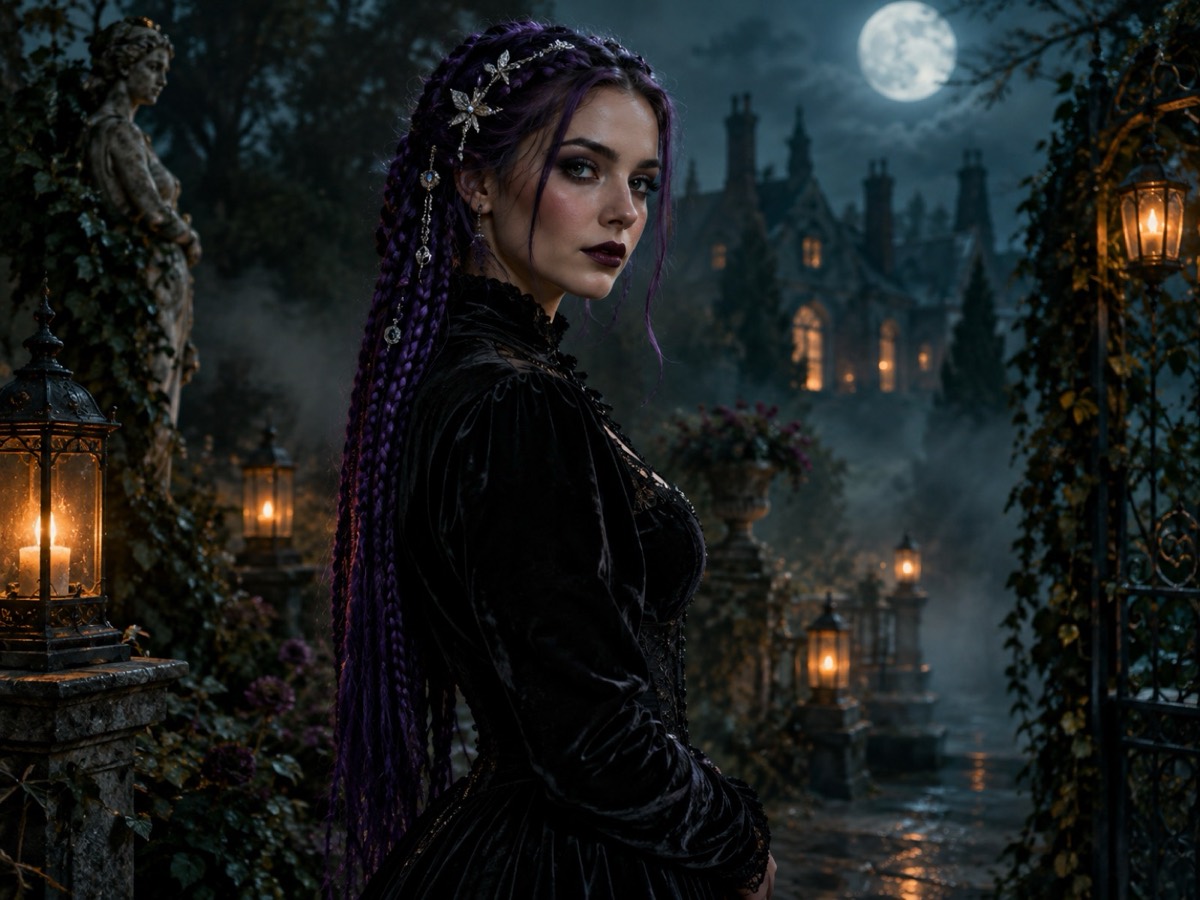
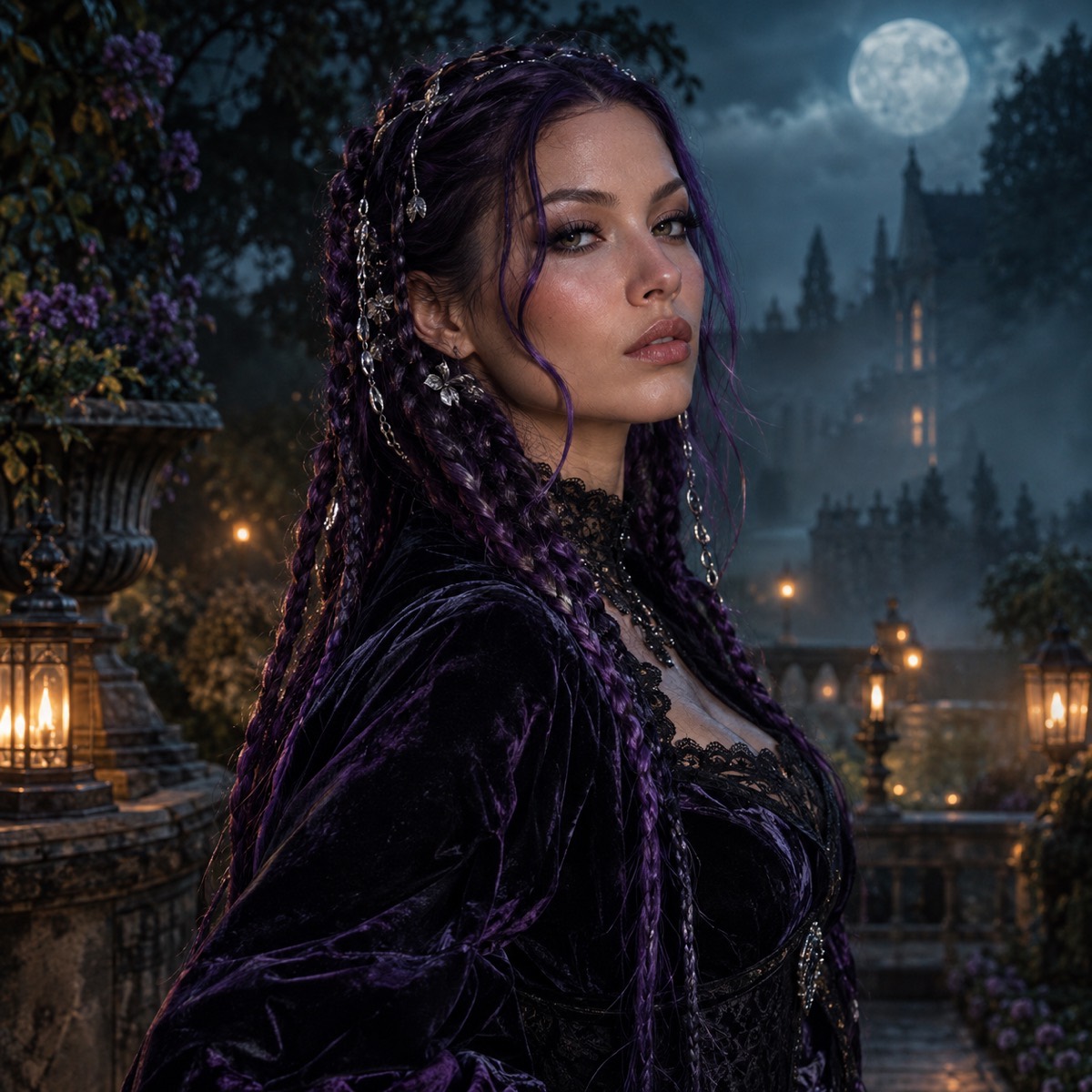
- Midnight Braids — violet braids, black velvet, silver accessories, moonlit Victorian garden.
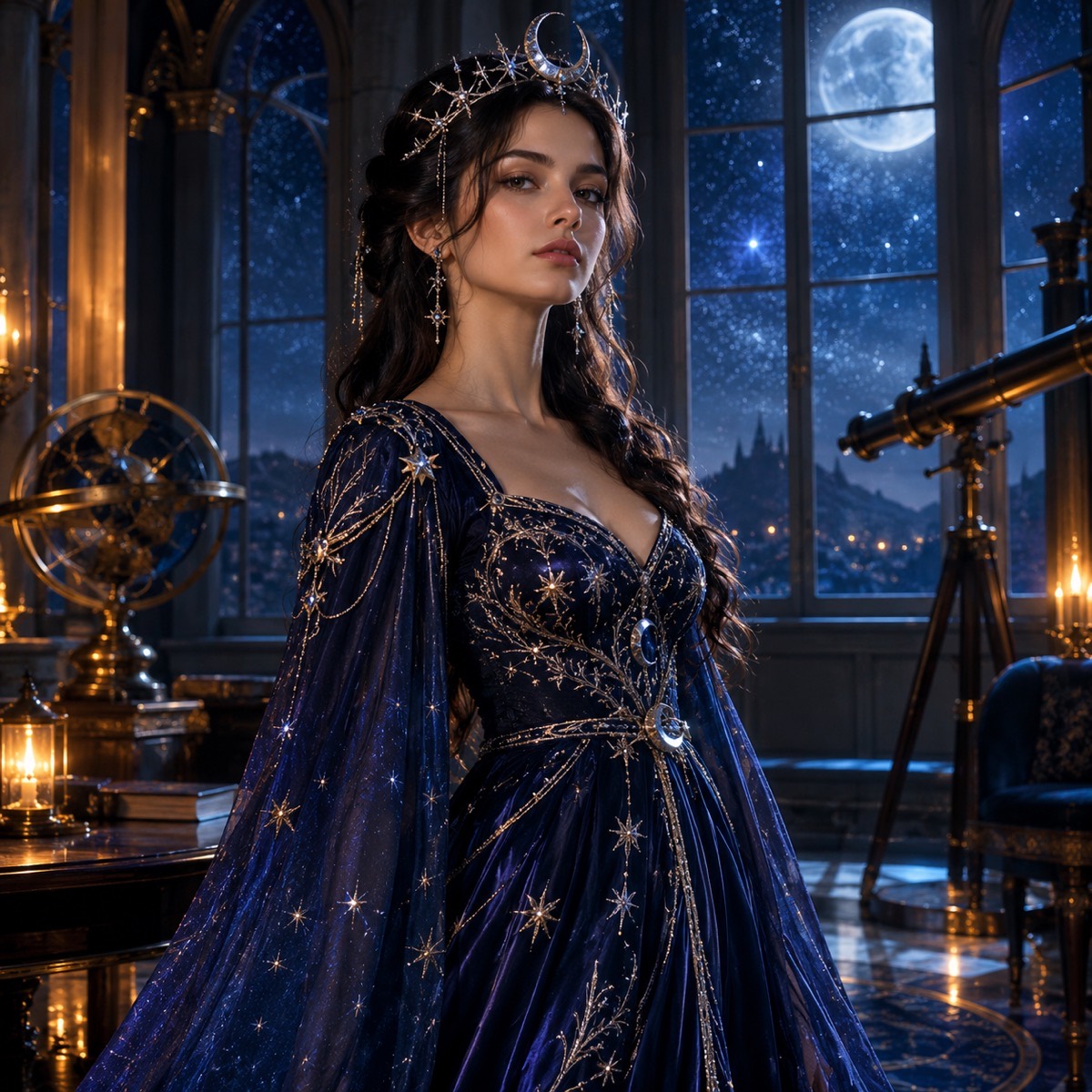
- Cosmic Princess — midnight-blue gown, star embroidery, moon crown, observatory at night.
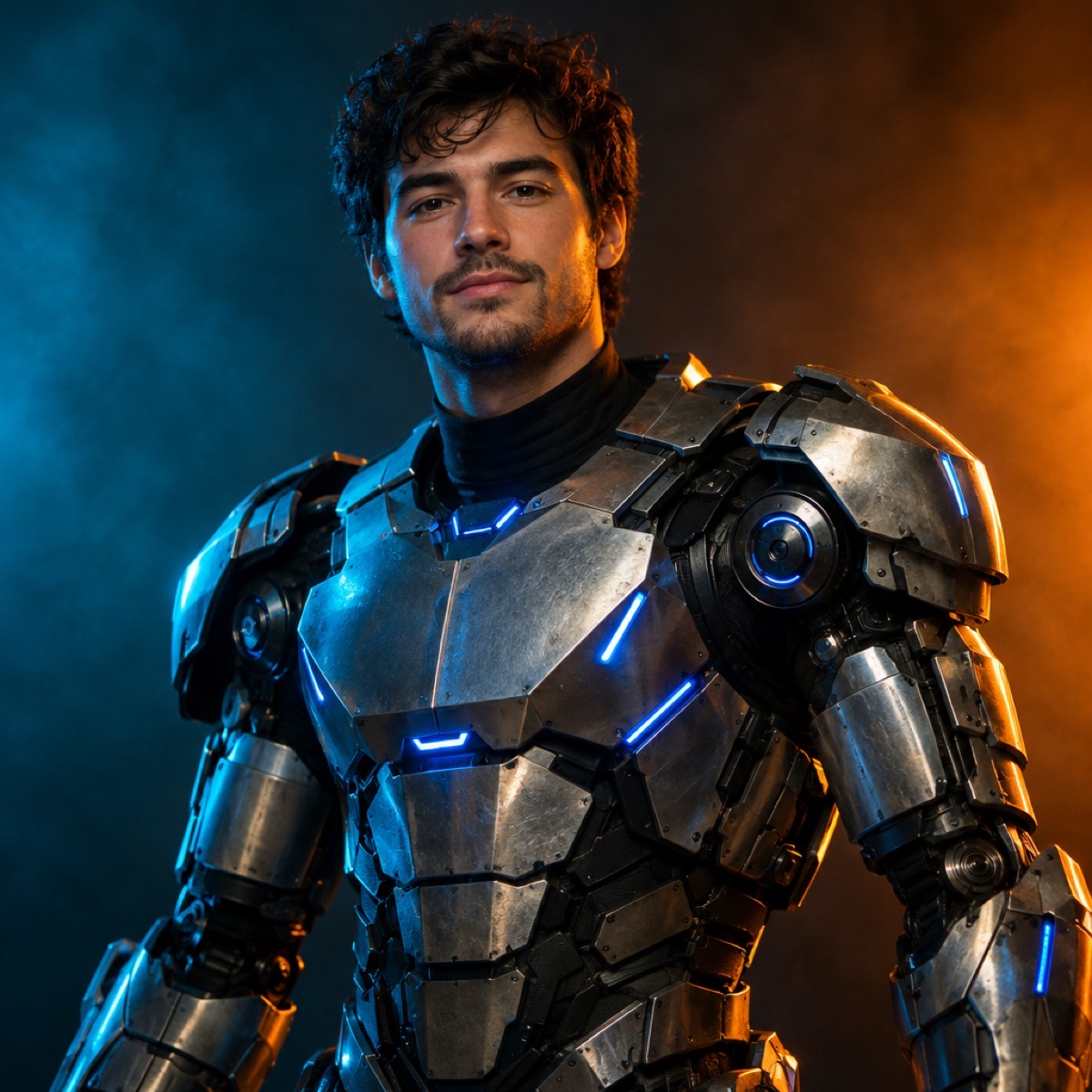
- Halloween Robot — wearable armour panels and blue LEDs, with your real face kept intact.
- Haunted Portrait — smoked eyes, a subtle scar, burgundy lips, a dim Victorian parlour.
- Cowboy & Angel — a two-photo couple look with both identities preserved.
- Pumpkin Pet — a pet costume that keeps the breed, fur and markings.
Why most AI costume edits look wrong
Two failure modes account for most bad results. The first is identity drift: the model redraws the face until it is a different person wearing the costume. The second is costume drift: the outfit becomes a generic “Halloween costume” instead of the specific look you asked for.
The prompt fixes both by naming what must stay (face, skin tone, age, anatomy, number of people) before it names what changes. It also lists the artefacts to avoid — extra limbs, duplicated fingers, text and watermarks. That is why the recipe is longer than a one-line description; the constraints are doing the work.
What one credit buys
One still costs one credit. The $9.90 one-time pack contains 15 credits, so it is 15 costume previews, or 14 previews and one video test. Credits in one-time packs never expire; subscription credits refresh each billing period.
Images are moderated before the model sees them. If a photo is rejected or the provider fails, the credit is returned automatically and the task is marked failed.
How it works
- 1
Upload a selfie
Face the camera, take off sunglasses, and use even light. One person per photo.
- 2
Choose a costume
Six original looks, from gothic to cosmic. Edit the prompt to change colours or props.
- 3
Download the preview
One credit per still. Use it to decide, then take the same look into the video tool.
Questions
Can I use my own costume idea?
Yes. Choose the closest look and edit the prompt. Name the garment, the colours and the setting; keep the identity and avoid clauses unchanged.
Does it change my face?
The prompt explicitly asks the model to preserve your facial identity, proportions, skin tone and age. Results are probabilistic, but a clear, front-facing photo keeps the likeness close.
How much does one costume preview cost?
One credit. A $9.90 one-time pack contains 15 credits, so it covers 15 previews. Failed renders are refunded.
Can I preview a couple costume?
Yes. Use the Cowboy & Angel look, upload two photos, and the prompt keeps both identities separate and forbids a third person.
Can I animate the costume afterwards?
Yes. Take the generated still into the video studio and describe a small motion — a head turn, drifting fog, a slow push-in. Small motions render more reliably than big action.
See the look before you buy it
Upload a photo, choose a look, and download the still. One credit, no watermark, commercial use.
Make my image