Image to video · restyle
AI Video Editor
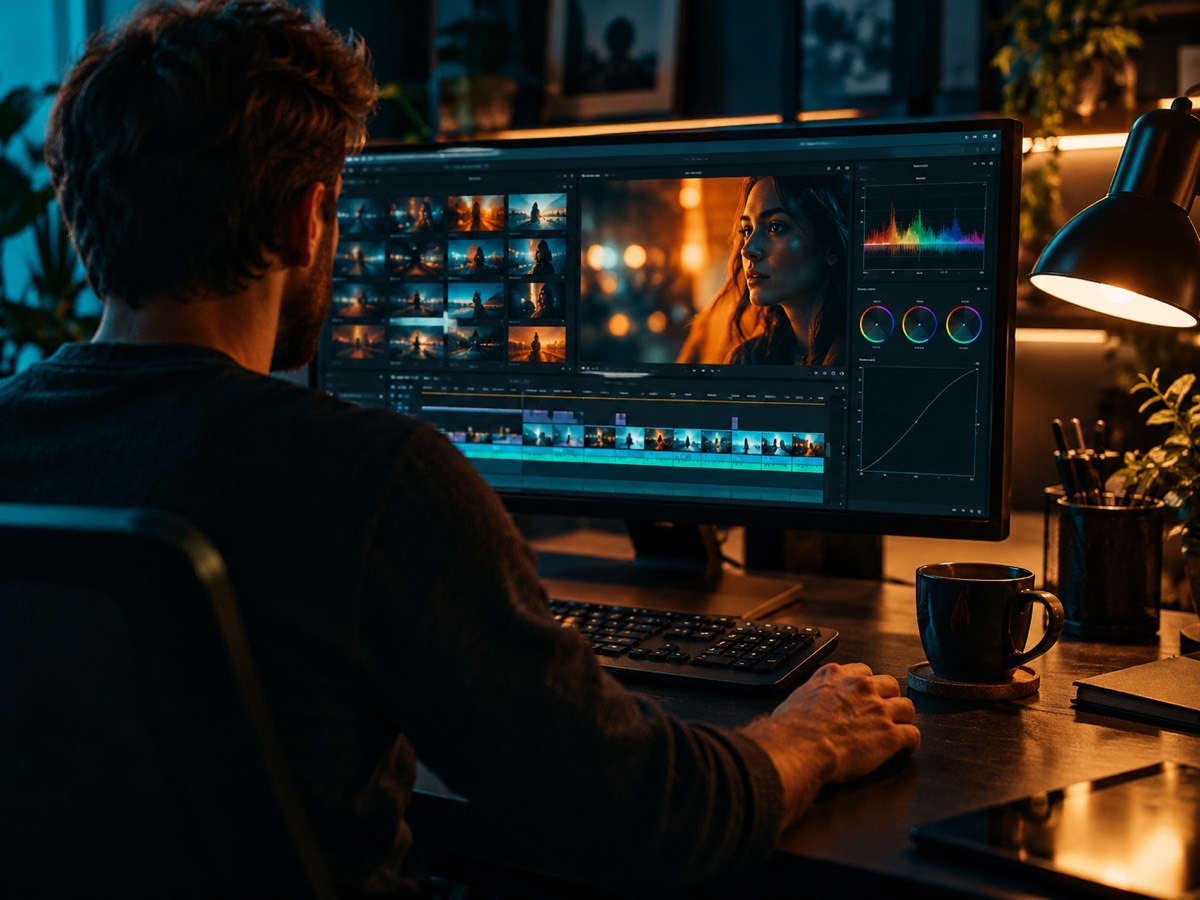
This is not a timeline editor. It is the faster half of video editing: take a photo or a still you already like, change the scene around it, and add a controlled motion without rebuilding the shot by hand.
Updated 2026-10-20 · Crazy Frog AI Video
Quick answer
The tool turns a source image into a short video with Seedance 2.0. You can restyle the scene, change the lighting or background, and add a small motion such as a head turn, drifting fog or a camera push-in.
A 5–15 second clip is generated from a photo plus a prompt. A standard 480p 12-second clip costs 15 credits.
It is built for social clips and product teasers, not for cutting multiple shots together. For a multi-shot edit you still need a timeline; this tool produces the footage you cut into it.
Only upload photos of yourself or people who agreed to appear. No celebrities or minors.
Keep the invisible-motorcycle idea in the prompt. Describe the rider, the road and the chase.
480p · 12s costs 15 credits. 720p · 12s costs 30 credits. 1080p · 12s costs 60 credits. Longer clips scale and round up.
This clip: 15 credits · 13 clips/month on Pro ($39.90) or 160/year ($319).
What it looks like
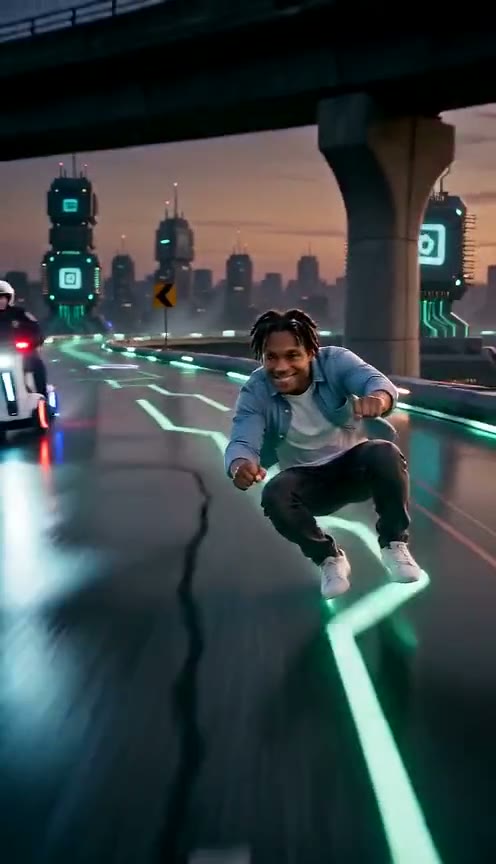
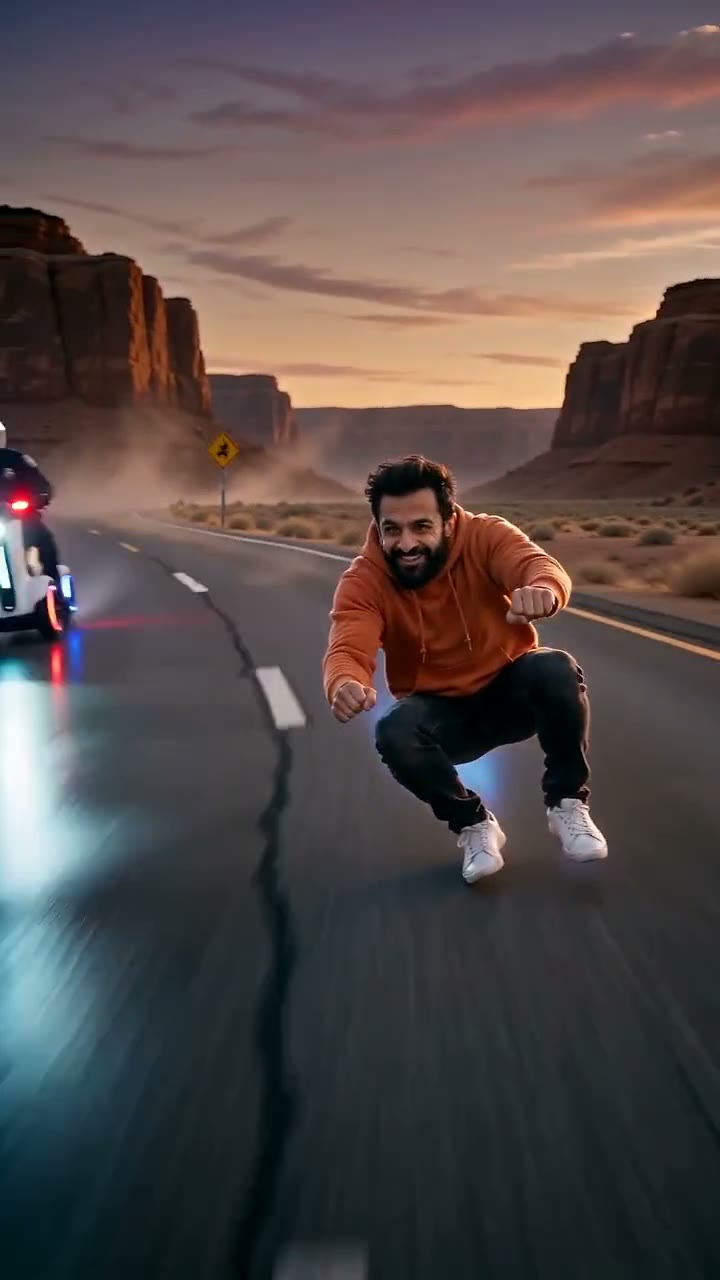
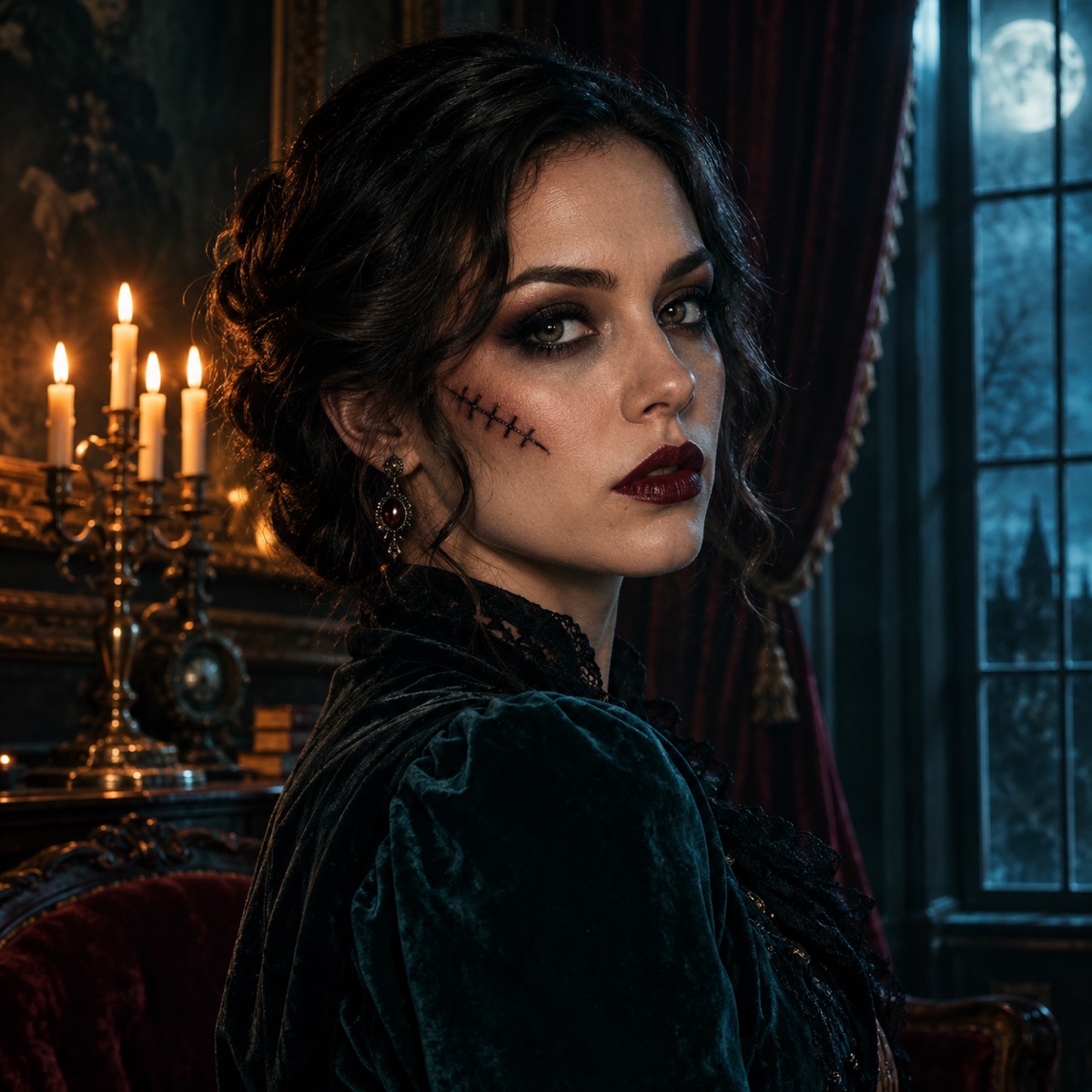
Three edits this tool does well
The first is a restyle: keep the subject, change the world around them. A daylight portrait becomes a neon night shot; a plain wall becomes a lit studio. The prompt names the new setting and the new light, and the model rebuilds everything except the person.
The second is a motion pass: take a still that already works and add one small movement. The third is a format pass: regenerate a horizontal still in 9:16 for a story, with the subject recentered.
- Restyle: new background, new light, same subject.
- Animate: a blink, a head turn, fog, a slow push-in.
- Reframe: 16:9 to 9:16 with a new composition.
- Grade: warm to cool, day to night, clean to cinematic.
What it does not do
It does not cut between shots, sync to music, add captions or export an edit decision list. It generates one continuous clip. If you need a 30-second ad with three scenes, generate three clips and cut them in a timeline editor.
It also does not promise frame-accurate control. Generative video is probabilistic; the prompt constrains the shot, but it cannot guarantee an exact camera path. Ask for one clear move, not a complex choreography.
The prompt pattern for reliable motion
Start by naming the reference. Then name the one motion. Then name the environment’s movement. Then name the camera. Then lock identity and forbid cuts. That order keeps the model from turning a portrait into a completely new scene.
Keep the motion small. A head turn, a blink, drifting fog and a slow push-in are reliable. Running, dancing, costume changes and fast camera whips are not. If you need big action, generate several short clips and cut the best half-second from each.
Cost and delivery
A standard 480p 12-second clip costs 15 credits; 720p is 30 and 1080p is 60. The MP4 is watermark-free and can be downloaded or sent to an email address as a private seven-day link.
If a render fails, the credits return automatically. You can iterate on the prompt without losing the budget for a failed attempt.
How it works
- 1
Start from a still
A generated portrait, a product photo or a frame you already own.
- 2
Describe one move
One subject motion, one environment motion, one camera move. No cuts.
- 3
Cut the result
Download the MP4 and assemble multiple clips in your timeline editor.
Questions
Is this a full timeline editor?
No. It generates one continuous clip from an image and a prompt. Use it to produce footage, then cut multiple clips together in a separate editor.
Can I edit an existing video?
Not directly. Export a frame as an image, edit or animate that frame, and use the resulting clip in your edit. Direct video-to-video editing is a different pipeline.
What is the maximum clip length?
Fifteen seconds per render. For longer pieces, generate several clips and join them in a timeline editor.
How much does one clip cost?
15 credits for 480p, 30 for 720p and 60 for 1080p at 12 seconds. Longer clips scale linearly.
Can I use the footage commercially?
Yes. The clip is watermark-free and licensed for commercial use. You are responsible for the rights to any source photo you upload.
Your face belongs in the clip
Upload a portrait, pick a scene, and download the MP4. No watermark, commercial use, failed renders refunded.
Make my video