Photo edit · identity-safe
AI Halloween Photo Editor
Change the parts of a photo that make it Halloween — the outfit, the makeup, the room, the light — without turning the person into a stranger. Upload one photo and describe the edit.
Updated 2026-10-20 · Crazy Frog AI Video
Quick answer
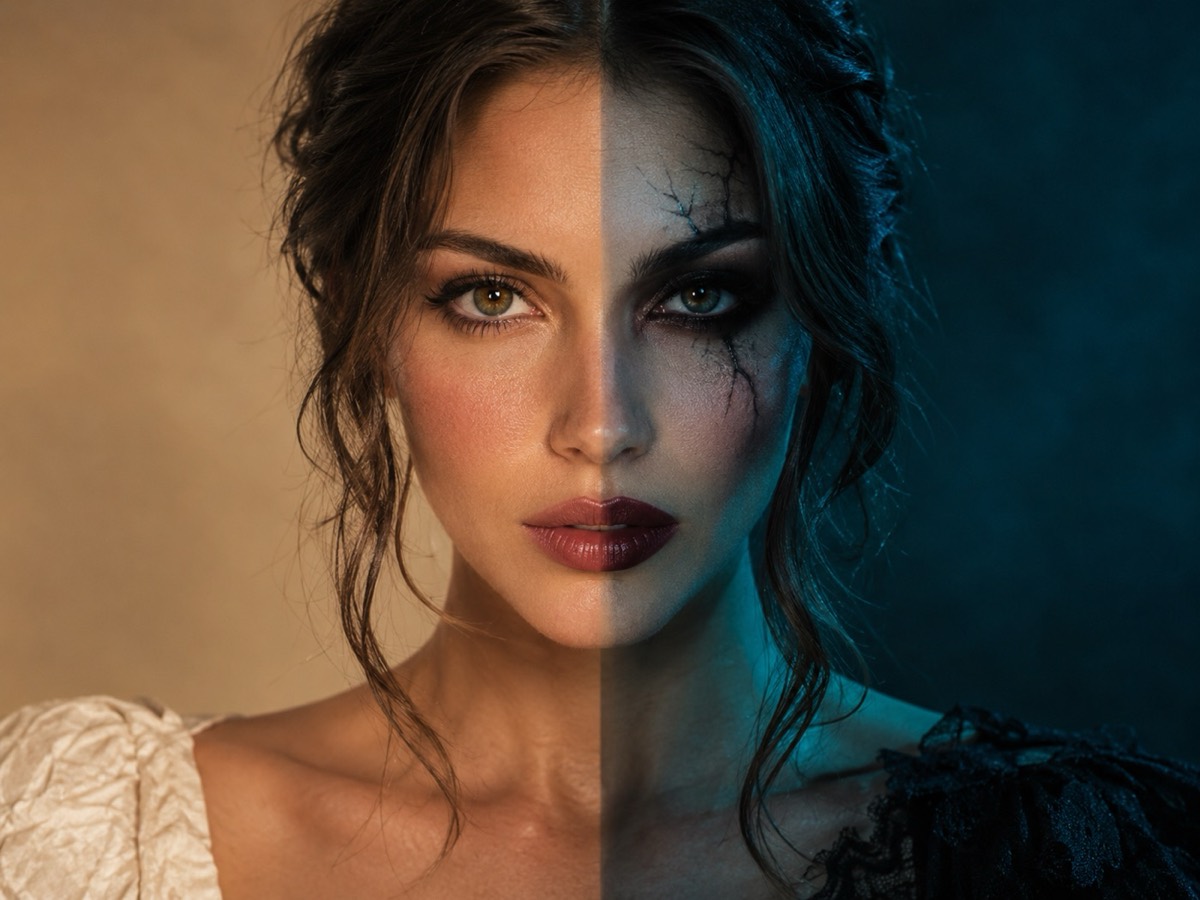
This is a single-photo editor. It keeps the subject’s face and body proportions while changing the costume, makeup, background and lighting.
Use it for a profile photo, a family card, a party invite or a costume preview. Each edit costs one credit and produces a watermark-free still.
The model is GPT Image 2.5 through kie.ai. A front-facing photo with even light and no sunglasses gives the most faithful face.
Photos are moderated and only used for this render.
Keep the identity and “avoid” lines. They are what stop the model from inventing a new face.
Sign in to upload and render. Your first pack starts at $9.90.
What it looks like
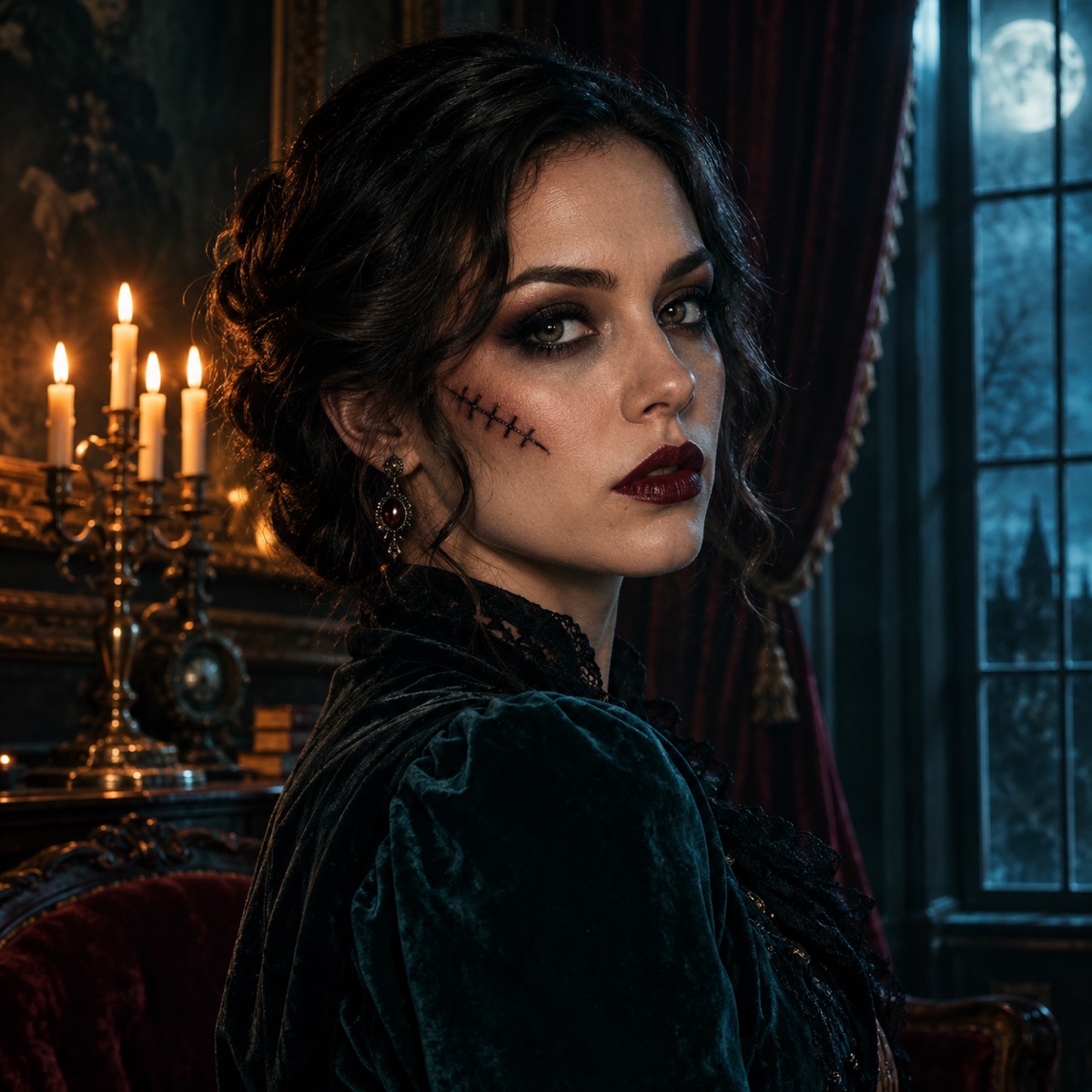
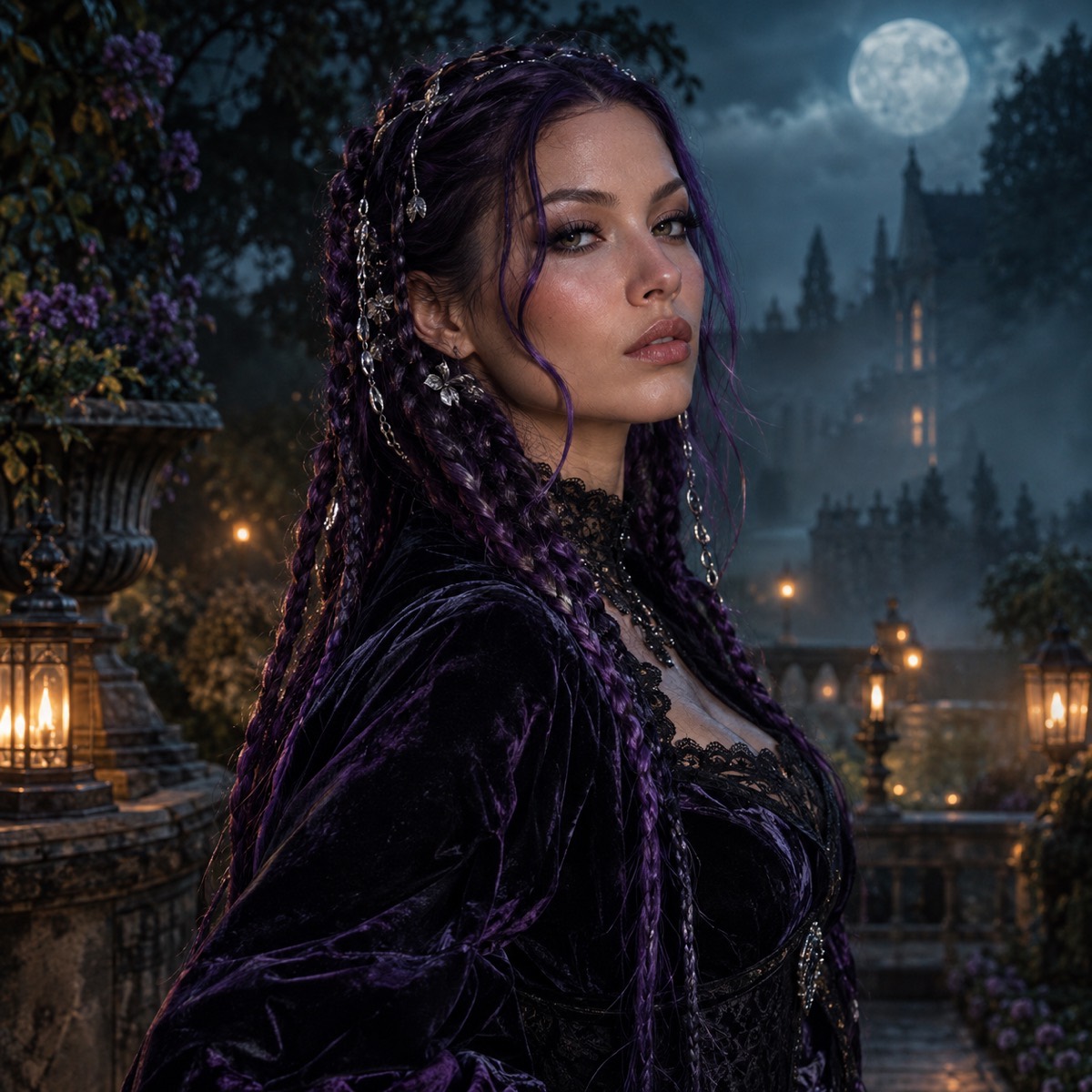
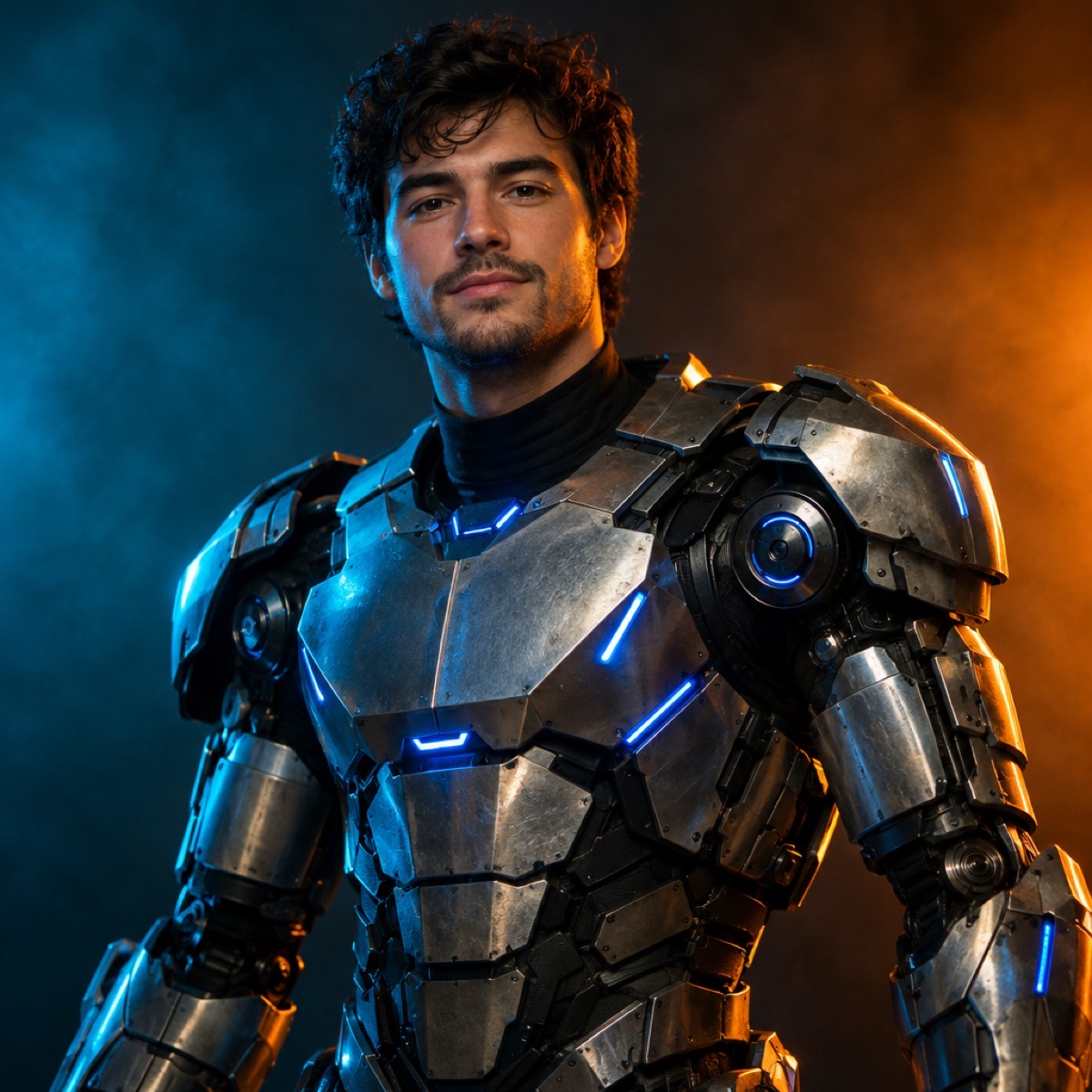
What “edit” means here
The tool does not apply a filter. It regenerates the photograph with the changes you describe, using your photo as the identity reference. That is why the costume can change shape, the background can become a room that was never there, and the light can move — while the face still reads as the same person.
The trade-off is that every edit is probabilistic. The prompt’s preservation clause is what keeps the result close; the avoid clause is what stops the usual artefacts.
- Costume changes: garment, colour, fabric, accessories, props.
- Makeup: eyes, lips, scars, face paint, subtle prosthetics.
- Background: parlour, porch, forest, studio, plain backdrop.
- Light: candlelight, porch light, moonlight, coloured gels.
Three edits that are worth the credit
The first is a profile photo that needs to look seasonal without looking like a costume ad. Add makeup and a background, keep the clothes. The second is a party invitation: change the outfit and the room, keep the pose. The third is a costume test: change the outfit only, keep everything else, and compare two looks side by side.
For each of these, start from the Haunted Portrait recipe and delete the clauses you do not need. A shorter prompt is fine as long as the preserve and avoid clauses survive.
What to avoid in the source photo
Group photos make the model choose who to keep. Sunglasses and heavy shadows hide the eyes, which are the strongest identity signal. A hat pulled low removes the hairline. A very small face gives the model too few pixels to work with.
If the only photo you have is a group shot, crop it to one person before uploading. That single step improves likeness more than any prompt tweak.
From edit to motion
A finished edit can become a short video. Take the still into the Halloween video tool and ask for a small motion: a head turn, a blink, fog drifting, a slow push-in. The costume and background stay consistent because the video model starts from the edited frame.
This two-step route — edit the still, then animate it — is more controllable than asking a video model to invent the costume and the motion in one pass.
How it works
- 1
Upload one photo
Crop to one person. Face the camera, remove sunglasses, use even light.
- 2
Describe only the edit
Name the costume, makeup or room. Keep the preserve and avoid clauses.
- 3
Download and compare
Run two looks and compare. One credit per still, refunded if the render fails.
Questions
Can I change the background without changing the person?
Yes. Keep the preservation clause and replace only the setting and lighting sentences. The model regenerates the background around the subject.
Will the edit keep my exact face?
It keeps the face close when the source is clear and front-facing. No generative edit is a pixel-perfect copy; the preservation clause and a good source photo are what make it reliable.
Can I edit a photo of a child?
Only with the permission of a parent or guardian. The same moderation rules apply, and the tool is intended for people editing their own photos or photos they have rights to use.
How many edits can I make with one pack?
The $9.90 one-time pack has 15 credits, so 15 still edits. Credits in one-time packs never expire.
Does the result have a watermark?
No. The still is watermark-free and licensed for commercial use under the site terms.
See the look before you buy it
Upload a photo, choose a look, and download the still. One credit, no watermark, commercial use.
Make my image