Photo edit · one credit
AI Image Editor
A photo editor for the changes that used to need a studio: a new background, a different outfit, seasonal makeup, better light. Describe the change, keep the person.
Updated 2026-10-20 · Crazy Frog AI Video
Quick answer
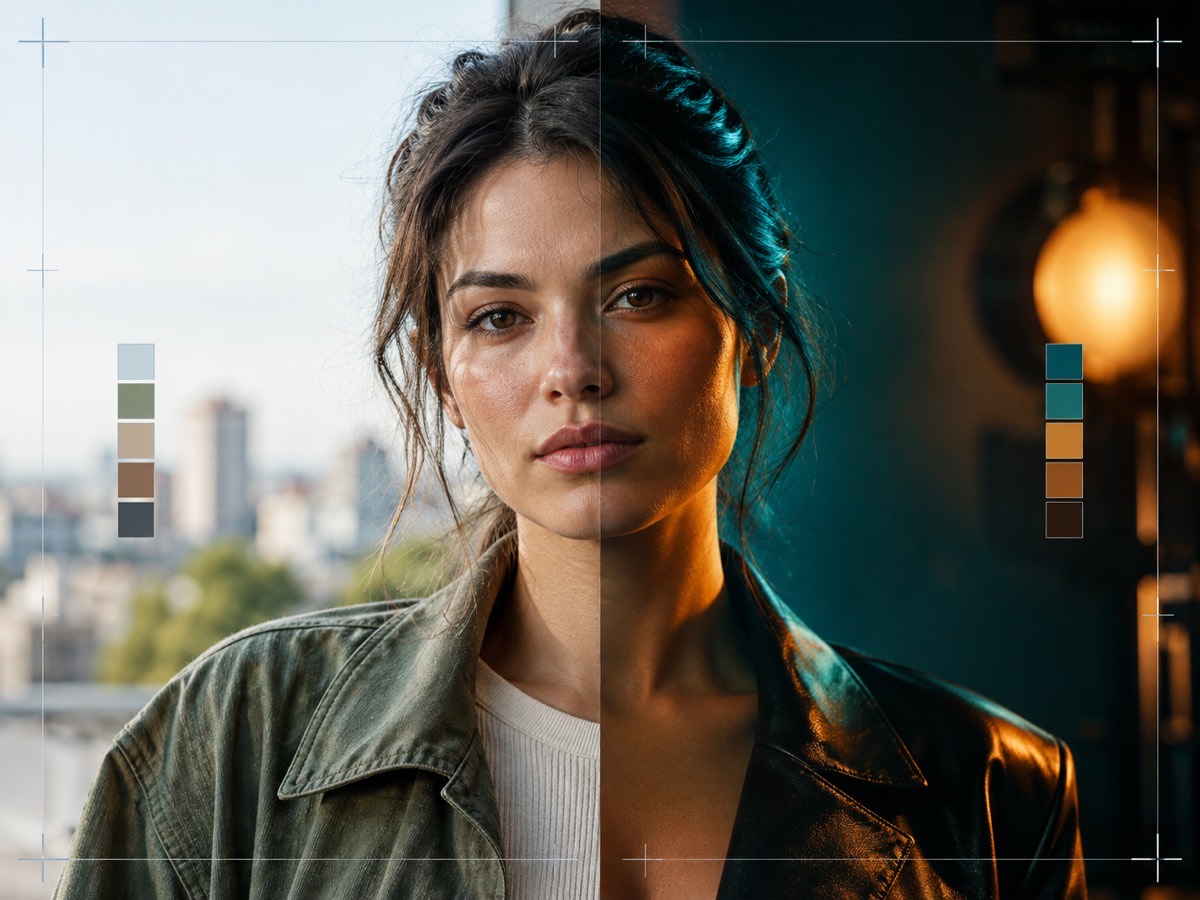
This editor regenerates a photo with the changes you describe, using the original as the identity reference. It is built for background, outfit, makeup and lighting edits.
Each still costs one credit and uses GPT Image 2.5 through kie.ai. The output is watermark-free and licensed for commercial use.
It is not a pixel-level retoucher. For blemish removal, crop or exposure, use a normal photo editor; for changing the scene while keeping the face, use this.
Photos are moderated and only used for this render.
Keep the identity and “avoid” lines. They are what stop the model from inventing a new face.
Sign in to upload and render. Your first pack starts at $9.90.
What it looks like
The edits that justify a regeneration
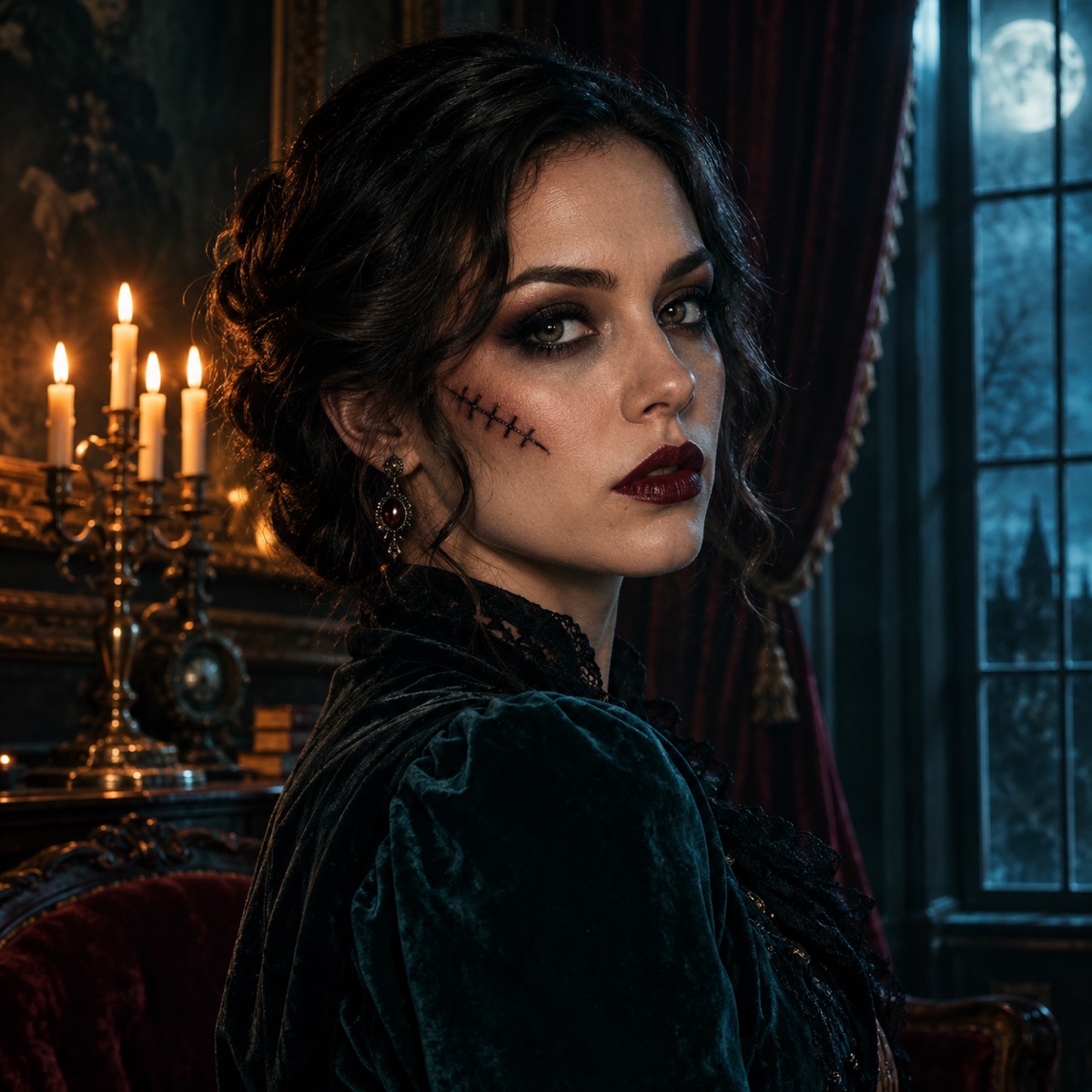
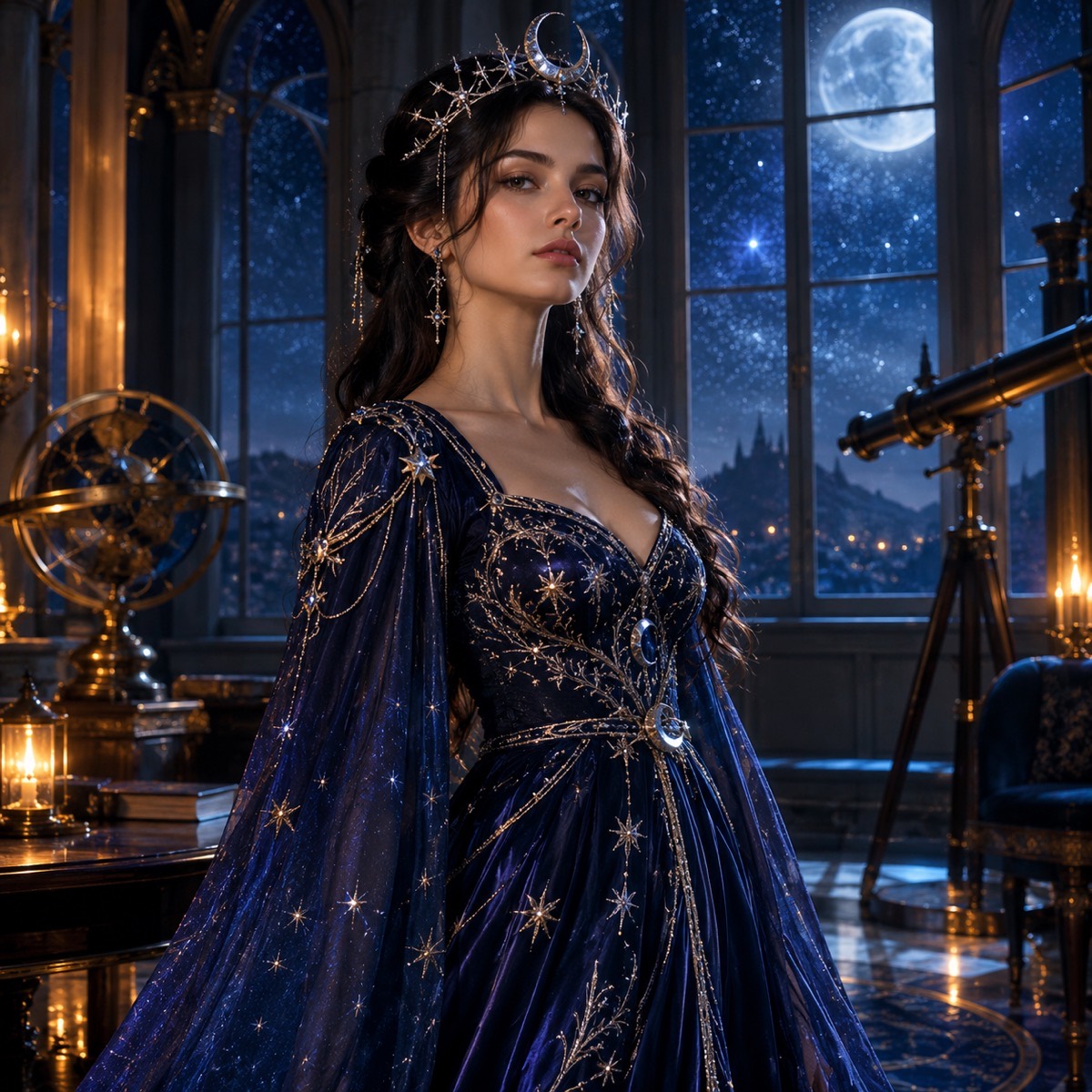
A normal editor is better for cropping, straightening, exposure and small blemishes. A generative edit is better when the change is structural: the background does not exist in the photo, the outfit needs to be different, the light needs to come from another direction, or the season needs to change.
That distinction saves credits. If the change could be made with a slider, use the slider. If it needs new pixels, use the prompt.
- Background replacement: a room, a street, a studio, a plain backdrop.
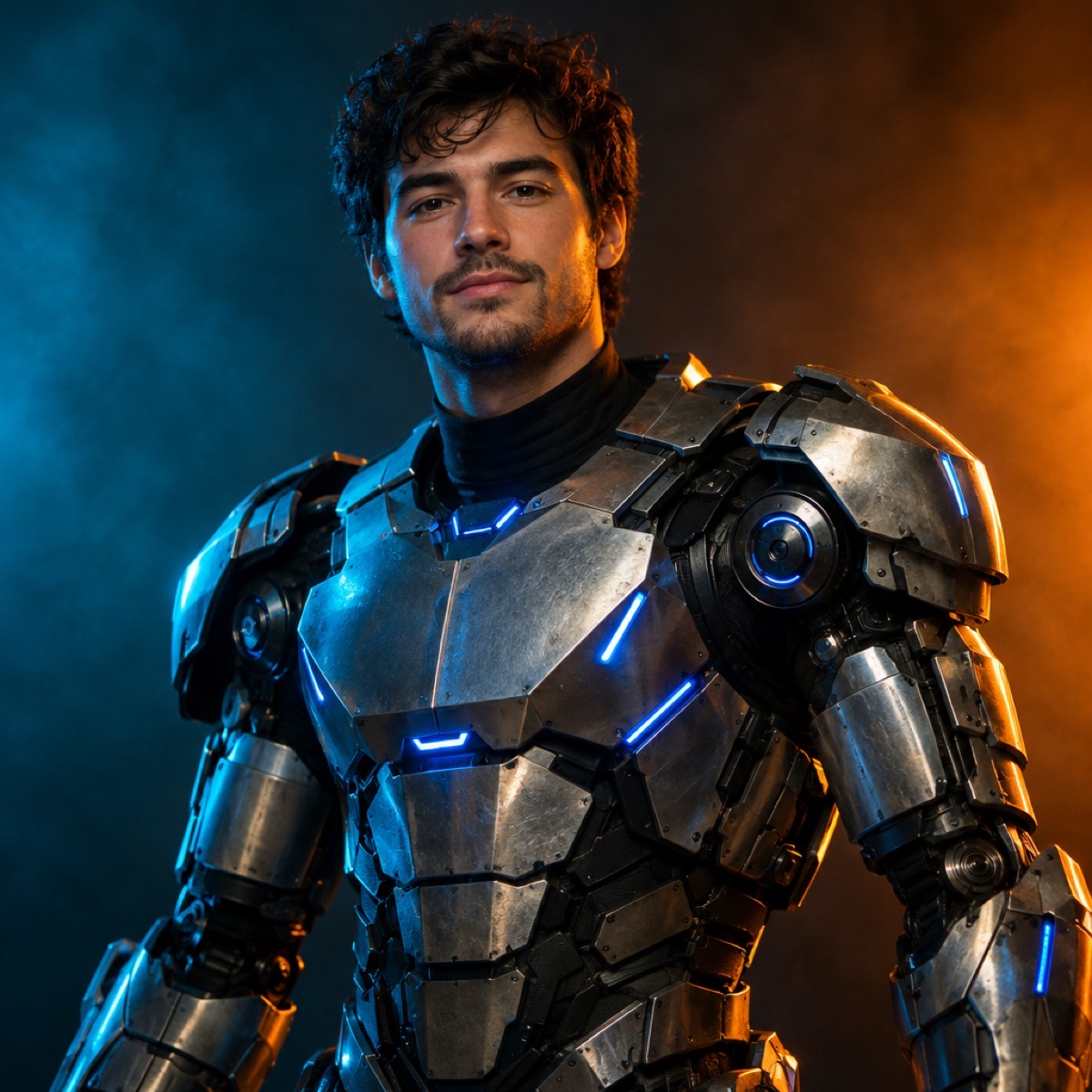
- Outfit and costume: garment, colour, fabric, accessories.
- Makeup and styling: eyes, lips, hair, subtle prosthetics.
- Lighting: time of day, direction, colour grade, practical lights.
How to keep the face
The preservation clause is the first sentence for a reason. It names the facial identity, proportions, skin tone, age and anatomy, and it tells the model to keep the same number of people. Without it, the model treats the face as another editable surface.
The source photo matters just as much. Front-facing, evenly lit, no sunglasses, whole face visible. If the face is small or shadowed, crop and brighten before uploading; that is a normal-editor job, and it makes the generative edit better.
A workflow that wastes fewer credits
Write the smallest edit that achieves the goal. Run it once. If the result is close, change one clause and run again. If it is far off, rewrite the scene sentence rather than adding more “avoid” clauses.
Keep a note of the prompts that worked. The same prompt will behave differently with a different photo, but the structure transfers.
Using the result
The still is watermark-free and can be used commercially. It can also become the first frame of a video: take it into the video tool and add a small motion. That two-step route is more controllable than asking a video model to invent the edit and the motion at once.
One credit per still; the $9.90 pack contains 15. Failed renders are refunded automatically.
How it works
- 1
Upload one photo
One person, face visible, even light. Crop and brighten first if needed.
- 2
Describe one structural change
Background, outfit, makeup or light. Keep the preserve and avoid clauses.
- 3
Download the still
One credit. Use it as a profile photo, a card, or the first frame of a clip.
Questions
Can I remove an object from a photo?
Small removals are possible but not the tool’s strength. Describe the object and what should replace it, and expect to regenerate. For precise retouching, use a normal photo editor.
Can I change the aspect ratio?
Yes. Choose 1:1, 9:16 or 16:9 before generating. The model recomposes the scene for the frame.
Will the person still look like themselves?
With a clear source photo and the preservation clause, yes, close enough for social and marketing use. No generative edit is a pixel-perfect copy.
How much does an edit cost?
One credit per still. The $9.90 one-time pack has 15 credits, and failed renders are refunded.
Can I edit a product photo?
Yes. Upload the product, describe the new surface or background, and keep the product’s shape and label unchanged. Do not ask the model to redraw text.
See the look before you buy it
Upload a photo, choose a look, and download the still. One credit, no watermark, commercial use.
Make my image