9 Halloween AI Video Ideas for 2026 (Prompts Included)
Nine Halloween AI video ideas for 2026, the four-beat structure that keeps a clip watchable, and the exact prompt fragment for each scene on TikTok and Reels.
 Crazy Frog AI Video Team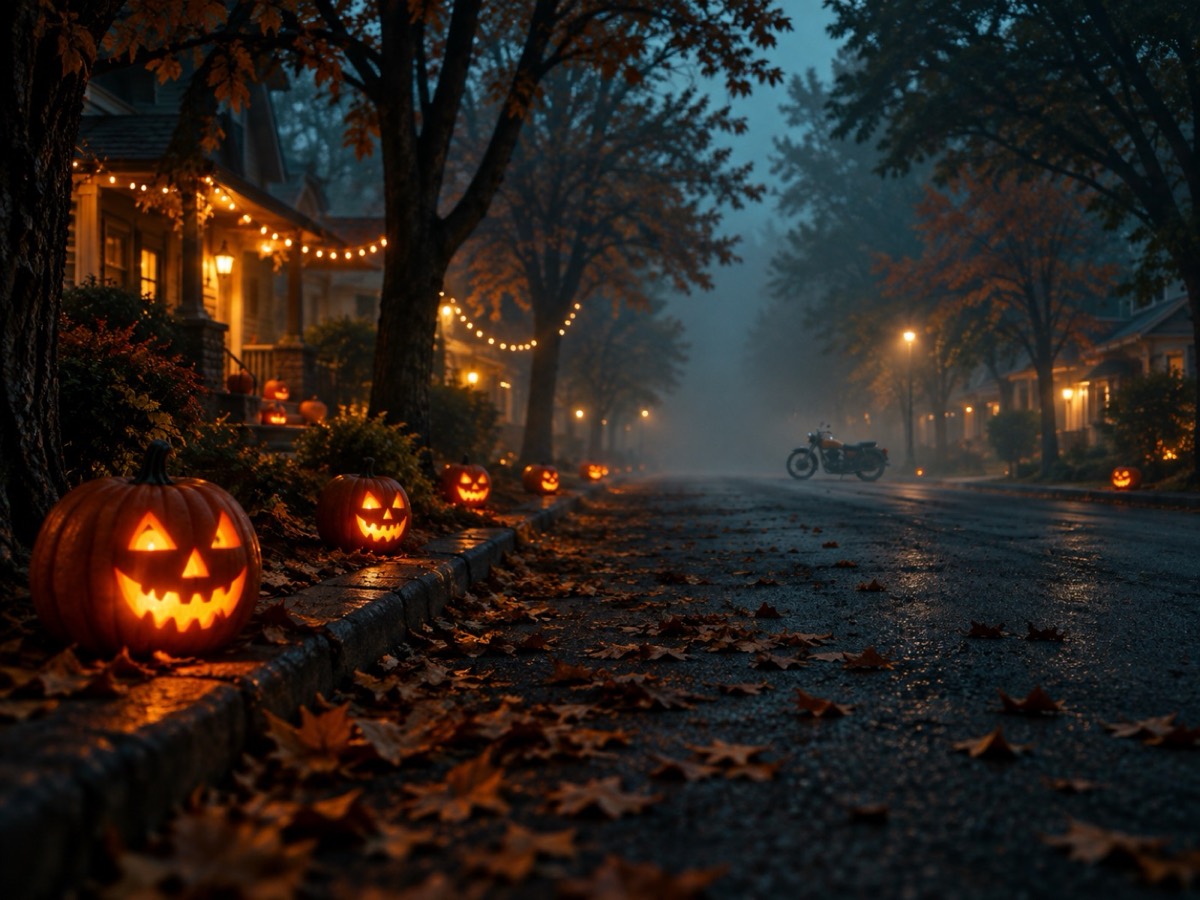
Try it on this page
Only upload photos of yourself or people who agreed to appear. No celebrities or minors.
Keep the invisible-motorcycle idea in the prompt. Describe the rider, the road and the chase.
480p · 12s costs 15 credits. 720p · 12s costs 30 credits. 1080p · 12s costs 60 credits. Longer clips scale and round up.
This clip: 15 credits · 13 clips/month on Pro ($39.90) or 160/year ($319).
Most Halloween AI videos fail for the same reason: the idea is a mood, not a shot. “Spooky forest” gives the model nothing to time. A clip that works has a start, a change and an end, even when it is eight seconds long. This guide gives nine ideas that already contain that structure, the prompt fragment for each, and the rules that keep a generated clip from falling apart in the second half.
Every idea below can be made with one portrait and the Halloween video generator. The presets cover the chase format; the prompt controls the scene, the camera and the action.
The four-beat rule
A short clip holds attention when four things happen in order:
- Establish. The viewer sees who and where in the first second.
- Interrupt. Something enters, changes or breaks.
- React. The subject responds — a look, a flinch, a turn.
- Resolve. The clip lands on a new state, not a fade.
The invisible-motorcycle meme follows this exactly: rider, cop, glance back, getaway. A costume reveal follows it too: person, ordinary room, costume appears, reaction. If you cannot name the four beats, the clip will feel like a screensaver.
Nine ideas with a built-in structure
1. The porch light. You walk up to a dark house, the jack-o’-lanterns light one by one, and the door opens on its own. Prompt: “slow dolly toward a suburban porch at night, carved pumpkins ignite in sequence from left to right, warm interior light spills as the door opens, no people in frame.” The sequence is the story.
2. The costume reveal. A mirror shot: ordinary clothes, a blink, full costume. Prompt: “static medium shot facing a hallway mirror, the reflection changes from everyday clothes to an ornate vampire costume in one cut, dust motes in the light, the person holds still.” Keep the camera locked; the transformation is the event.
3. The chase. The trend format: rider in a crouch, cop behind, glance back, escape. Prompt: “low tracking shot behind a rider crouched on an invisible motorcycle, a police hover-bike closes in with flashing lights, the rider looks over their shoulder and accelerates, autumn leaves sweep across the road.” This is the preset the site ships with.
4. The pet interruption. A pet portrait where something crosses the frame. Prompt: “locked-off shot of a dog in a pumpkin costume in a warm studio, a paper bat drifts through the foreground, the dog’s ears track it, the camera does not move.” One moving element is enough.
5. The group photo that moves. A still of friends in costumes, then everyone breaks pose at once. Prompt: “wide shot of five people in Halloween costumes holding a pose for a photo, then all five relax and laugh at the same time, string lights in the background, handheld camera.” The group is already composed; the release is the payoff.
6. The haunted hallway. A first-person walk with one impossible detail. Prompt: “first-person steadicam walking down a wallpaper hallway, a door at the far end opens slowly, the camera keeps a constant pace, no cuts.” First person hides anatomy problems, which makes it the most reliable format on this list.
7. The trick-or-treat POV. A child-height view of a candy bowl, then a hand reaches in. Prompt: “low angle at the height of a child approaching a porch bowl of candy, porch lights overhead, a costumed hand enters from the right and takes one piece, shallow depth of field.” Nostalgia does the emotional work.
8. The Black Friday drop. A product on a table, lights snap on, price card flips. Prompt: “dark studio tabletop with a single product, studio lights snap on in sequence, a price card flips toward the camera, charcoal background with lime accents, no readable text.” Use it as a teaser, then add the real price in your editor — AI text is still unreliable.
9. The meme loop. A reaction that ends where it started so the clip loops. Prompt: “medium shot of a person in a ghost costume turning to camera, pausing, then turning back to the original position, seamless loop, static camera.” Loops get rewatched, and rewatches are the metric short-video platforms reward.
The prompt skeleton
Every fragment above fits the same skeleton:
[Shot type and camera move]. [Who is in frame and what they wear].
[The one thing that changes]. [Light and weather]. [What must not appear].
Write it in that order and the model gets its priorities right: framing first, subject second, event third, style last. Putting style first is the most common prompt mistake; the model spends its attention on “cinematic, 8k, film grain” and forgets to move the camera.
Keep the negative list short and concrete: “no text, no logos, no extra people, no watermarks.” A long list of abstract negatives (“no bad anatomy”) does less than one specific exclusion.
Get the source photo right
Video models animate what they are given. A front-facing, evenly lit portrait with the whole face visible produces a stable clip. A dark selfie, a profile shot or a group photo produces drift: the face changes, hands multiply, the background melts.
Crop to one person. Remove sunglasses and hats that hide the eyes. If you are using a costume portrait generated on this site, use the generated image as the source — it already has the lighting and framing the video model expects.
Sound and captions
Generated clips are silent. Add a sound inside the app where you post; that is also where licensed music lives. For TikTok and Reels, the first frame should carry a caption that works without audio, because a large share of views start muted.
Keep on-screen text to one short line. The clip is eight to fifteen seconds; a paragraph is unreadable at that speed.
What it costs
A 12-second 480p clip costs 15 credits. Higher resolutions and longer durations cost more, and the price is shown before you generate. The $9.90 pack has 15 credits, so it covers one test clip. Failed renders are refunded automatically, which matters when you are experimenting with a new prompt.
If you are choosing between ideas, generate the still first. A costume portrait costs one credit; a video costs fifteen. Settle the look, then animate it.
Three mistakes to avoid
Asking for a crowd. Every extra person doubles the chance of a face swap or an extra limb. Build group scenes from a still, or keep the camera wide and the faces small.
Fast camera moves. Whips and spins are where generated video breaks. Slow push-ins and locked-off shots survive.
Contradictions. “A motorcycle chase with no motorcycle” works only because the prompt explains the invisible bike. “A bright night scene” or “a silent explosion” forces the model to choose. Pick one reading per sentence.
Posting order that compounds
Publish the still first, then the clip, then a prompt breakdown. The still teaches the algorithm who the post is for; the clip earns the rewatch; the breakdown earns the save. Three posts from one idea, each with a different job.
Link the tool page in the bio rather than the caption. Captions with links get less reach on most short-video platforms, and the profile link is where a curious viewer actually converts.
Ready to make one? Open the Halloween video generator, choose a preset, and adapt one of the prompt fragments above. If you need the exact wording for a costume first, the Halloween prompt library has twelve full prompts, and the TikTok ideas guide covers the posting side.